Headplane Agent
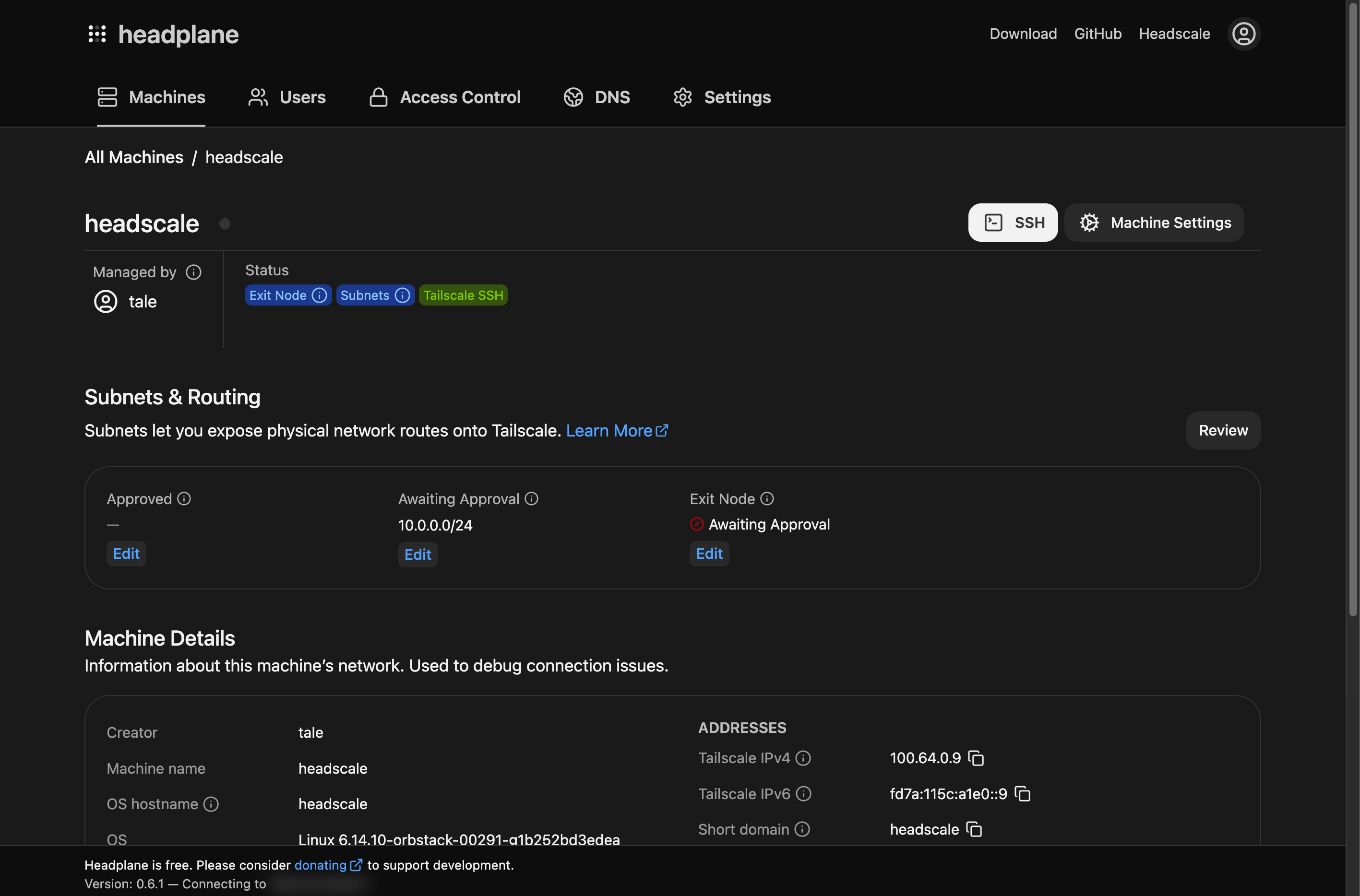
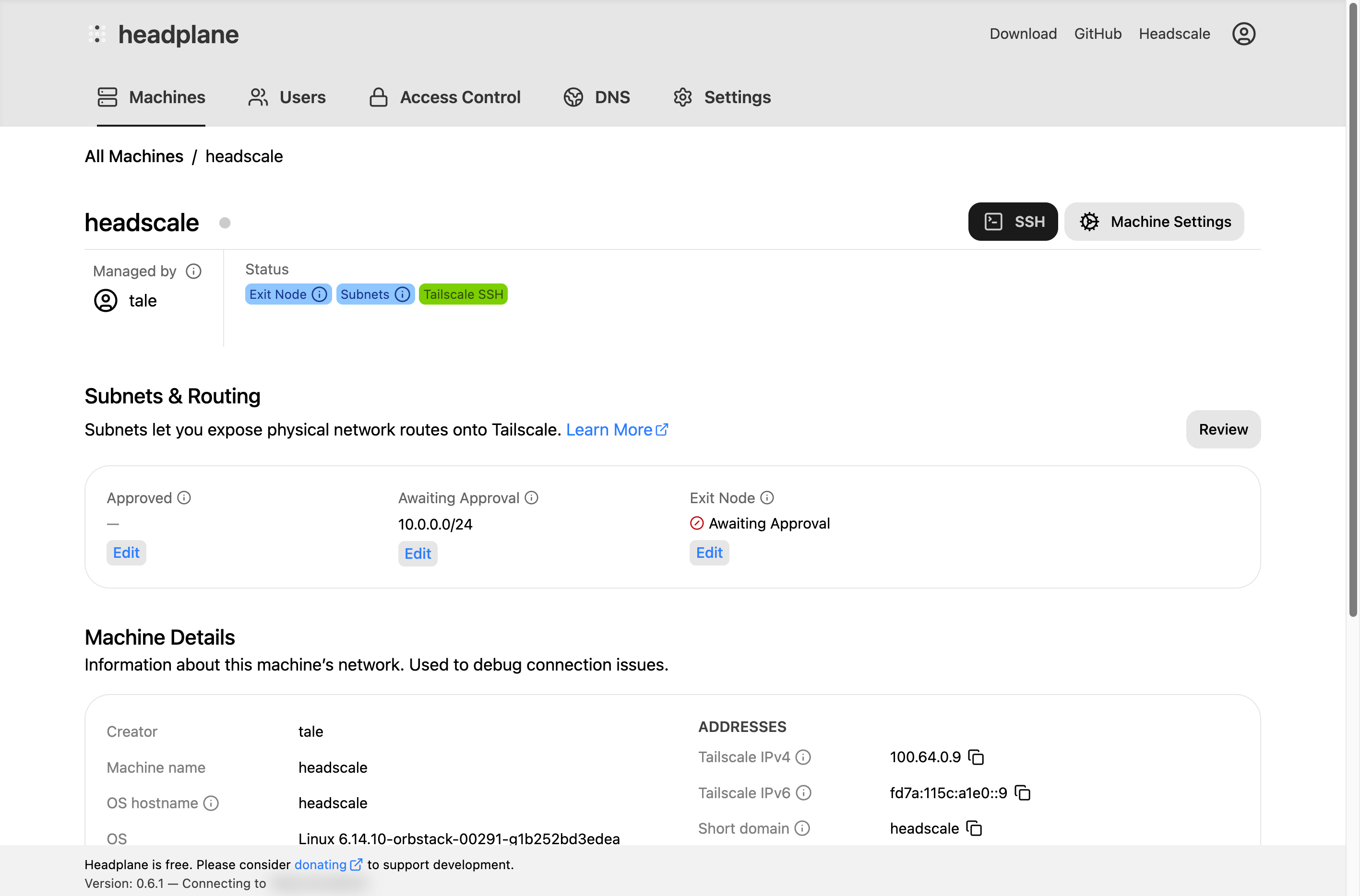
The Headplane Agent is an optional component that periodically syncs node information (such as version and OS details) from the Tailnet. Unlike previous versions, the agent no longer runs as a persistent Tailnet node — it auto-generates pre-auth keys and performs periodic syncs instead.
Prerequisites
Before enabling the agent, ensure the following:
Headscale 0.28 or newer is required. The agent uses tag-only pre-auth keys which are only available in Headscale 0.28+.
headscale.api_keymust be set in your Headplane configuration file. The agent uses this key to auto-generate ephemeral pre-auth keys for connecting to the Tailnet.
Configuration
To enable the Headplane Agent, you'll need to modify the following fields in your Headplane configuration file. For more information on configuring Headplane please refer to the example configuration for details.
| Field | Description |
|---|---|
integration.agent.enabled | Set to true to enable the agent. |
integration.agent.host_name | Optional. Headscale user name for the agent (default: headplane-agent). |
integration.agent.cache_ttl | Optional. How often to sync in milliseconds (default: 180000 / 3 minutes). |
integration.agent.work_dir | Optional. Working directory for the agent's tailnet state. |
integration.agent.executable_path | Optional. Path to the agent binary (default: /usr/libexec/headplane/agent). |
Native Mode Configuration
Once you've built Headplane locally, there will be a binary in the ./build folder called hp_agent. Please move this binary to /usr/libexec/headplane/agent and ensure that it is executable.
TIP
If for some reason you cannot move the binary to the intended location, you can define integration.agent.executable_path in your Headplane configuration file to point to the correct location of the agent binary.
The agent will also use /var/lib/headplane/agent as its data directory by default. You can change this location by defining integration.agent.work_dir in your Headplane configuration file. Ensure that the specified directory exists and is writable by the user running Headplane.
Usage
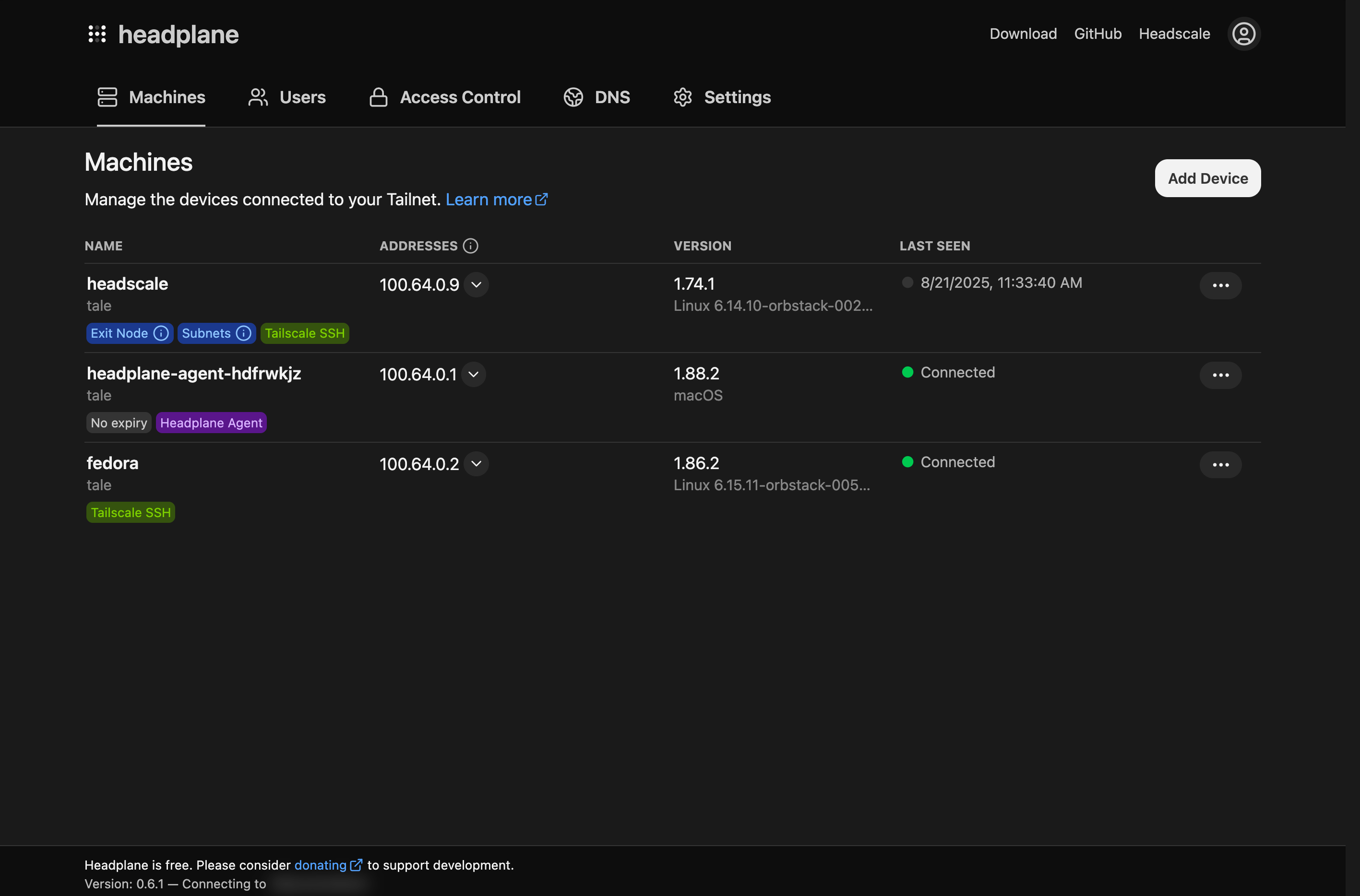
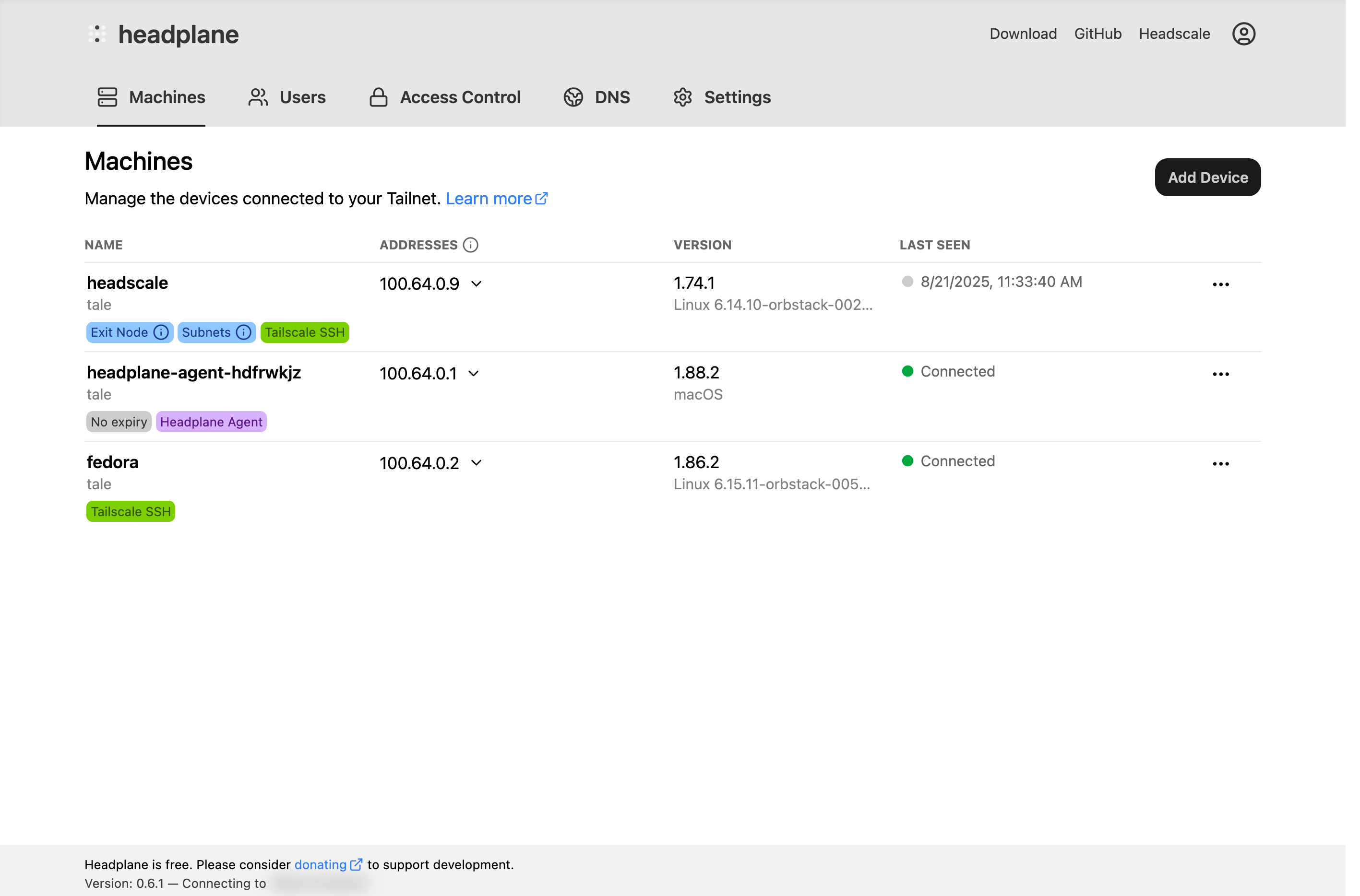
After enabling and configuring the Headplane Agent, restart your Headplane instance. You should now see additional options in the UI, such as host information about each node and the ability to open SSH sessions directly from the browser if the nodes have Tailscale SSH enabled.